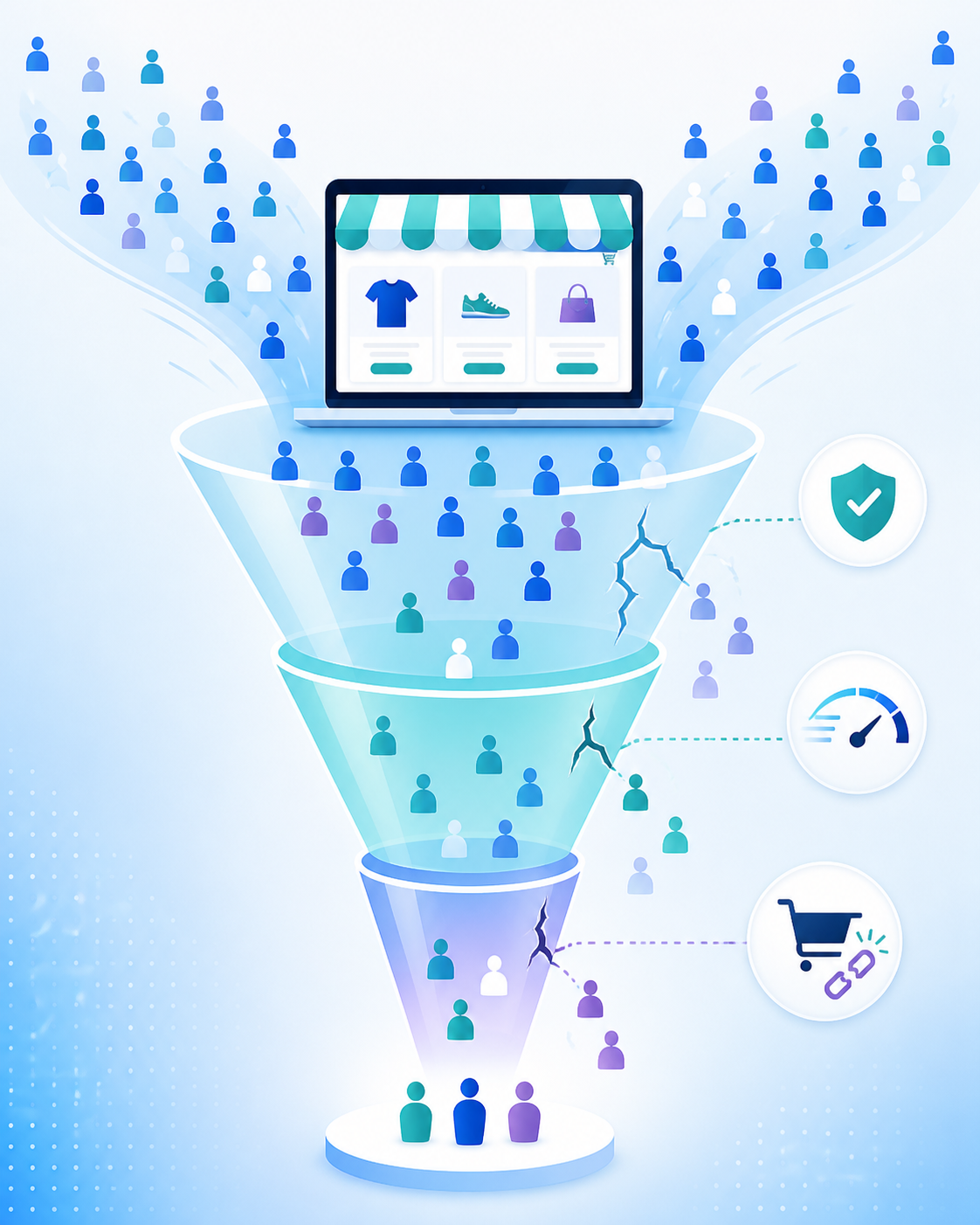
If you’re pulling in decent traffic but watching people bounce without buying, you’re not alone — and you’re not stuck. This is one of the most common (and most fixable) problems I run into on Shopify Plus stores. The traffic isn’t the issue. Something between “landing on your site” and “hitting checkout” is leaking sales.
Here’s how I diagnose and fix it, in the order I’d actually tackle it.
First, figure out where people are dropping off
Before you touch anything, you need to know which stage of the funnel is bleeding. Set up a heatmap and session recording tool (Hotjar, Microsoft Clarity, or Matomo all work) and look at three things:
- Landing page → product page: are people even clicking into products?
- Product page → cart: are they adding to cart but not committing?
- Cart → checkout → purchase: are they abandoning at the finish line?
Each of these has a different fix, and guessing instead of measuring is the single biggest time-waster I see merchants make.
1. Fix the trust gap
If people are landing and leaving fast, the problem is usually confidence, not desire. Shoppers who don’t recognise your brand need reassurance before they’ll hand over card details. Check that you have:
- Reviews visible above the fold on product pages, not buried in a tab
- A clear, easy-to-find returns and shipping policy
- Trust badges near your buy button (secure checkout, payment icons)
- Real product photography and social proof — user-generated content converts noticeably better than studio shots alone
This is usually the cheapest fix on this list and often the highest impact.
2. Simplify the buying decision
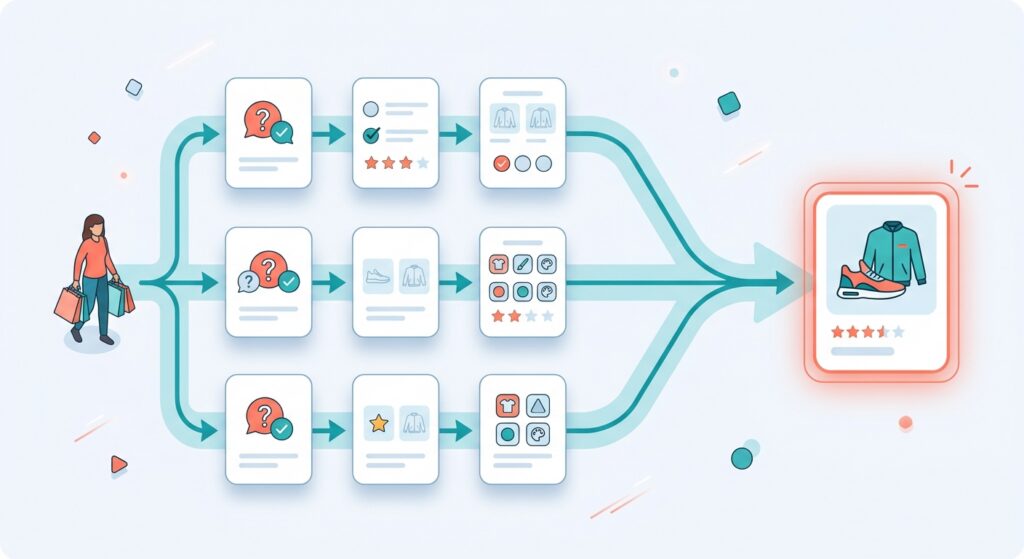
A confusing catalogue or unclear navigation makes shoppers give up before they’ve even found what they want. If you sell a wide range of products, or your catalogue isn’t obviously organised by need, a short onsite quiz (3-4 questions, tools like Octane AI handle this well) that routes people to the right product can lift both conversion and average order value — because you’re removing the “which one do I actually need” friction.
AI-powered search also matters more than most merchants think. Shopify’s Search & Discovery tools now handle intent-based queries (“gift for mum” instead of an exact product name) — if your search is still purely keyword-matching, you’re losing people who search once, find nothing, and leave.
Read more: Shopify Product Pages: Why Yours Aren’t Converting (And How to Fix Them)

3. Strip friction out of checkout
This is where most abandonment happens, and it’s rarely one big problem — it’s death by a thousand small ones:
- Too many steps. Every extra page or field is a chance to lose someone. Use Shopify’s native accelerated checkouts (Shop Pay, Apple Pay, Google Pay) prominently.
- Forced account creation. Always offer guest checkout.
- Hidden costs. Shipping and taxes appearing for the first time at checkout is one of the most common reasons carts get abandoned — show a shipping estimate earlier in the flow.
- Mobile friction. If most of your traffic is mobile (it probably is), test your checkout on an actual phone. Small tap targets and slow-loading forms cost you more on mobile than desktop.
4. Speed and mobile performance
A slow site quietly kills conversion before a shopper even reaches your product. Bloated app stacks are the usual culprit — every app you install adds scripts that load on every page, even if the app is only used on one. Audit your installed apps every quarter and remove anything that isn’t earning its keep. Run your store through PageSpeed Insights and prioritise fixing anything flagged on mobile specifically, since that’s where most of your traffic likely lives.

5. Make the recommendations smarter
Once the basics are solid, this is where AI earns its spot. Post-checkout upsells that recommend based on what’s actually in the cart (not a static “frequently bought together” rule) are one of the highest ROI, lowest-effort changes you can make. Same goes for onsite personalisation that adapts based on browsing behaviour rather than showing every visitor the same homepage.
The order I’d actually do this in
- Install a heatmap tool and figure out where the drop-off actually is (1 day)
- Fix trust signals and product page trust gaps (1 week)
- Audit and simplify checkout (1-2 weeks)
- Run a mobile speed audit and cut dead app weight (1 week)
- Layer in personalisation and smarter recommendations (ongoing)
You don’t need to do all five simultaneously. Fix the leak closest to checkout first — that’s usually where the fastest, most measurable lift comes from — then work backwards up the funnel.
If you’re not sure where your specific bottleneck is, that’s usually a five-minute conversation, not a big audit.
Happy to take a look — iconjen.com.