
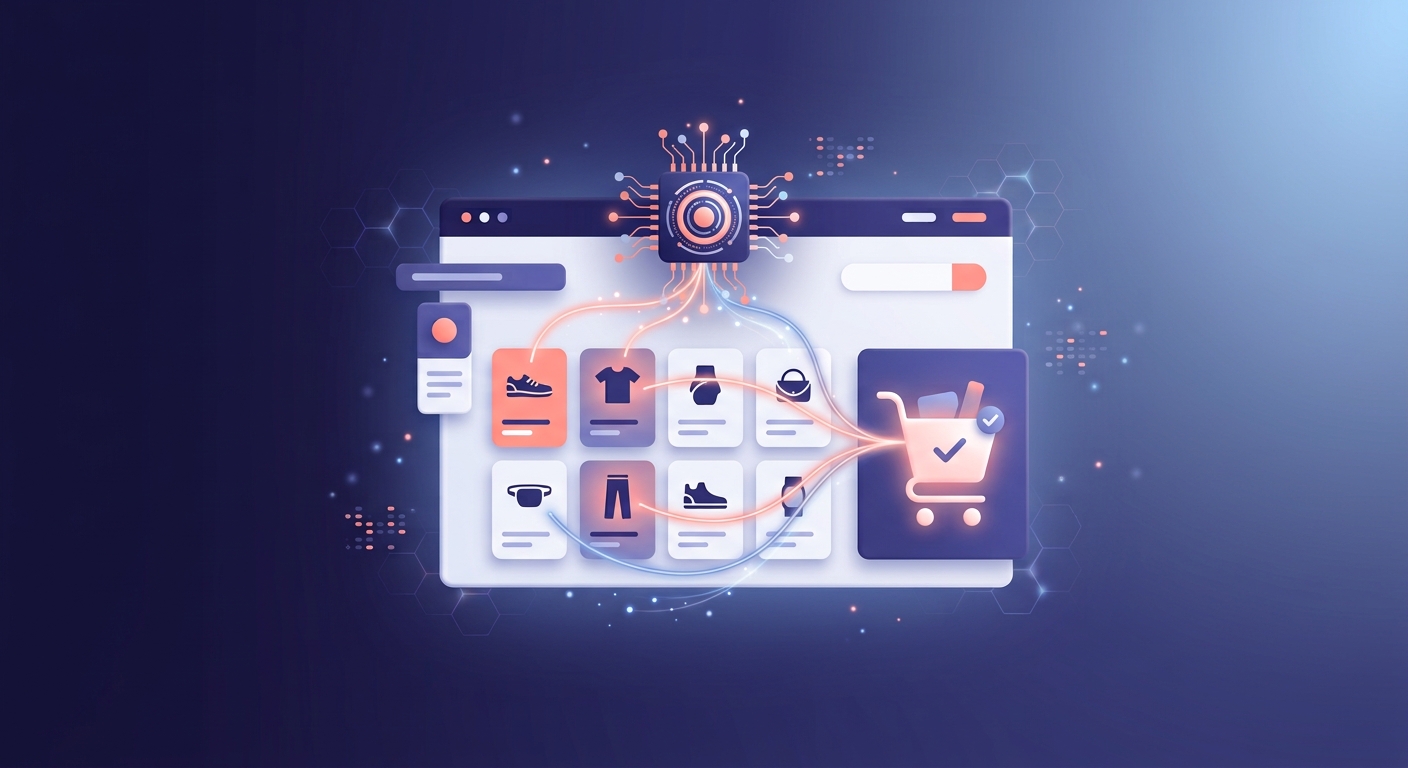
The quickest wins come from three places: AI-powered product recommendations and upsells, AI-driven email/SMS segmentation, and AI-assisted customer service. Done properly on a Shopify Plus store, most merchants see a measurable lift within 4-8 weeks of switching on even one of these — the trick is knowing which one fits your store, not trying to do all of it at once.
I say this as someone who implements this stuff for a living, not just writes about it. Here’s where AI actually moves the needle on a Shopify store, in order of what I’d tackle first.
1. Personalised product recommendations and upsells
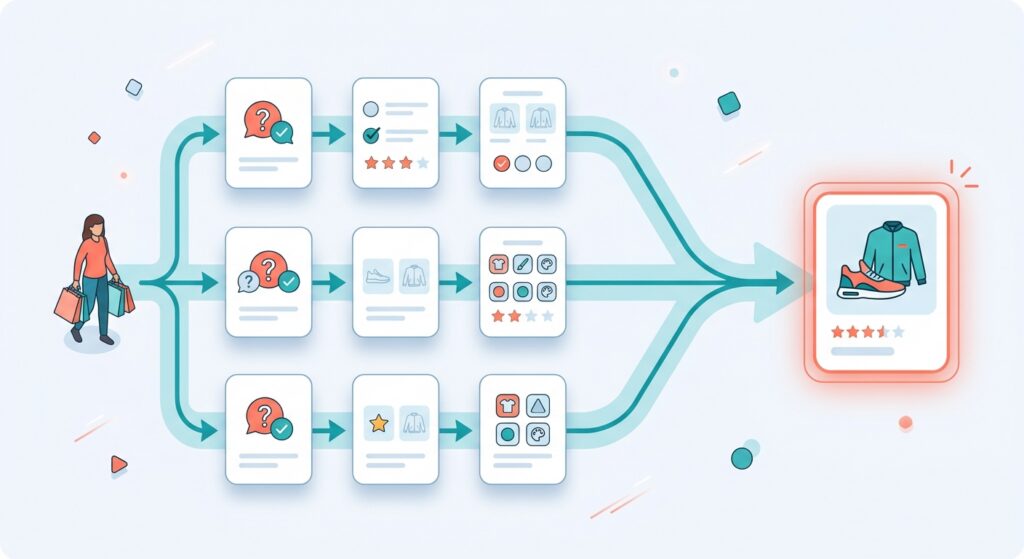
Generic “customers also bought” widgets barely move conversion anymore. AI-driven personalisation — where recommendations shift based on a shopper’s browsing behaviour, quiz answers, or purchase history — is a different story.
- Onsite quizzes and personalisation (I use Octane AI for this): a quiz that asks 3-4 questions and routes shoppers to the right products can lift average order value noticeably, especially for stores with a wide or confusing catalogue.
- AI-powered search and discovery: Shopify’s native Search & Discovery tools now use AI to understand intent behind vague searches (like “gift for mum” instead of an exact product name), which reduces the number of shoppers who search once, find nothing useful, and leave.
- Post-checkout upsells: pairing Shopify’s native post-checkout upsell blocks with a bit of AI-driven logic (recommending based on what’s actually in the cart, not a static rule) is one of the highest ROI, lowest effort changes I make on client stores.
2. AI-driven email and SMS marketing
If you’re already using Klaviyo (most Shopify Plus stores are, in my experience), you’re sitting on AI features you’re probably not using yet:
- Predicted customer lifetime value and churn risk: Klaviyo can flag which customers are likely to churn before they actually stop buying, so you can target a win-back flow at exactly the right moment instead of guessing.
- Send-time optimisation: AI decides the best time to email each individual customer based on their own engagement history, rather than blasting your whole list at 9am.
- Predictive segmentation: building segments based on predicted behaviour (likely to buy again in 30 days, likely to respond to a discount) rather than just past purchase history.
This is genuinely one of the easier wins because the AI is often already sitting in tools you’re paying for — it just needs to be switched on and pointed at the right flows.
Read more: Shopify Product Pages: Why Yours Aren’t Converting (And How to Fix Them)
3. AI-assisted customer service
Support tools like Gorgias now have AI that can draft (or fully handle) responses to common questions — order status, returns, sizing — freeing up a human for the conversations that actually need one. For a store doing real volume, this alone can be the difference between a support inbox that’s manageable and one that’s constantly on fire.
Where to actually start
If you’re not sure which of these applies to you, a rough rule of thumb:
- High traffic, low conversion → start with personalisation and search (Octane AI, Search & Discovery)
- Decent traffic, weak repeat purchase rate → start with Klaviyo’s predictive email features
- Growing fast, support team drowning → start with AI-assisted support (Gorgias)
You don’t need all three running at once — pick the one that matches your actual bottleneck, get it right, then move to the next.
If you’re weighing up which of these would actually move the needle for your store, happy to talk it through — you can reach me at www.iconjen.com.
Disclaimer: this post has been ran through AI for polishing.
Leave a Reply