Tag: shopify developer wollongong

  • How to Fix High Traffic But Low Conversion in Your Shopify Store

    How to Fix High Traffic But Low Conversion in Your Shopify Store

    If you’re pulling in decent traffic but watching people bounce without buying, you’re not alone — and you’re not stuck. This is one of the most common (and most fixable) problems I run into on Shopify Plus stores. The traffic isn’t the issue. Something between “landing on your site” and “hitting checkout” is leaking sales.

    Here’s how I diagnose and fix it, in the order I’d actually tackle it.

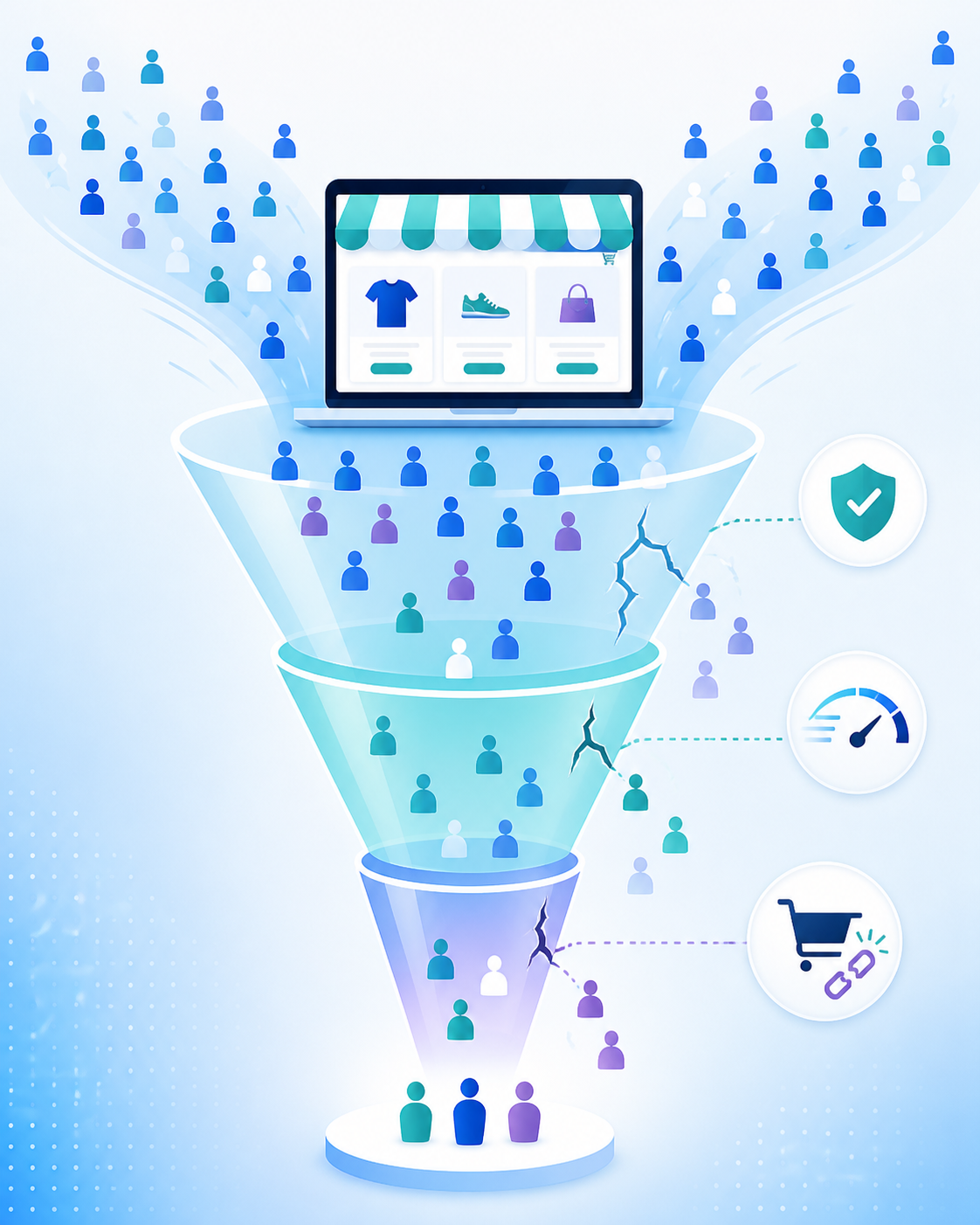
    First, figure out where people are dropping off

    Before you touch anything, you need to know which stage of the funnel is bleeding. Set up a heatmap and session recording tool (Hotjar, Microsoft Clarity, or Matomo all work) and look at three things:

    • Landing page → product page: are people even clicking into products?
    • Product page → cart: are they adding to cart but not committing?
    • Cart → checkout → purchase: are they abandoning at the finish line?

    Each of these has a different fix, and guessing instead of measuring is the single biggest time-waster I see merchants make.

    1. Fix the trust gap

    If people are landing and leaving fast, the problem is usually confidence, not desire. Shoppers who don’t recognise your brand need reassurance before they’ll hand over card details. Check that you have:

    • Reviews visible above the fold on product pages, not buried in a tab
    • A clear, easy-to-find returns and shipping policy
    • Trust badges near your buy button (secure checkout, payment icons)
    • Real product photography and social proof — user-generated content converts noticeably better than studio shots alone

    This is usually the cheapest fix on this list and often the highest impact.

    2. Simplify the buying decision

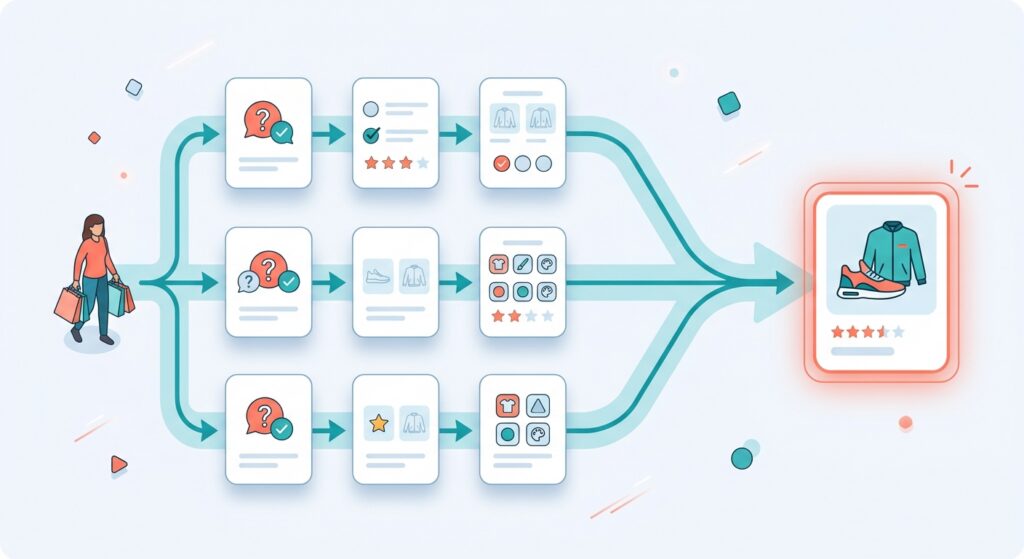
    A confusing catalogue or unclear navigation makes shoppers give up before they’ve even found what they want. If you sell a wide range of products, or your catalogue isn’t obviously organised by need, a short onsite quiz (3-4 questions, tools like Octane AI handle this well) that routes people to the right product can lift both conversion and average order value — because you’re removing the “which one do I actually need” friction.

    AI-powered search also matters more than most merchants think. Shopify’s Search & Discovery tools now handle intent-based queries (“gift for mum” instead of an exact product name) — if your search is still purely keyword-matching, you’re losing people who search once, find nothing, and leave.

    Read more: Shopify Product Pages: Why Yours Aren’t Converting (And How to Fix Them)
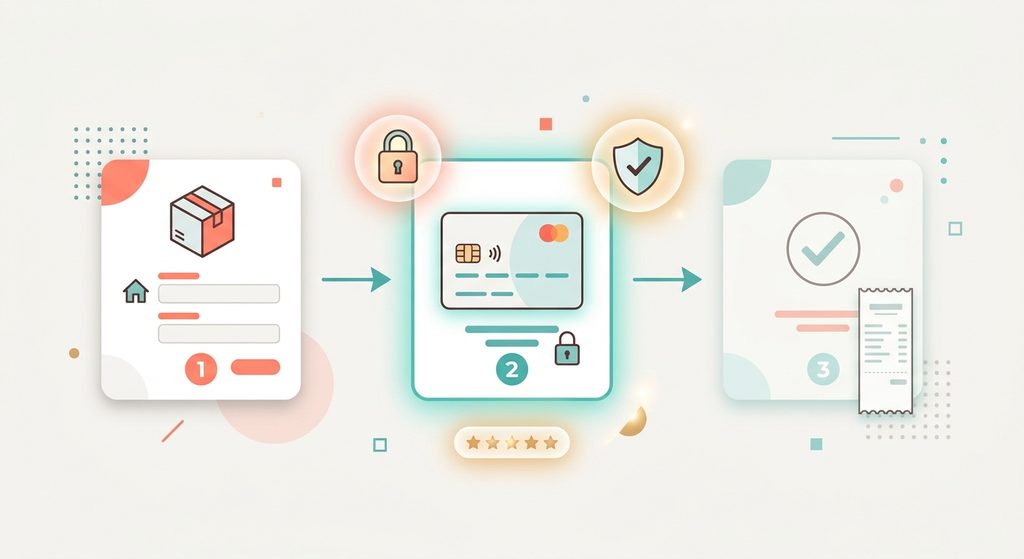
    Illustration of a three-step checkout flow: shipping details, secure payment with trust badges, then order confirmation

    3. Strip friction out of checkout

    This is where most abandonment happens, and it’s rarely one big problem — it’s death by a thousand small ones:

    • Too many steps. Every extra page or field is a chance to lose someone. Use Shopify’s native accelerated checkouts (Shop Pay, Apple Pay, Google Pay) prominently.
    • Forced account creation. Always offer guest checkout.
    • Hidden costs. Shipping and taxes appearing for the first time at checkout is one of the most common reasons carts get abandoned — show a shipping estimate earlier in the flow.
    • Mobile friction. If most of your traffic is mobile (it probably is), test your checkout on an actual phone. Small tap targets and slow-loading forms cost you more on mobile than desktop.

    4. Speed and mobile performance

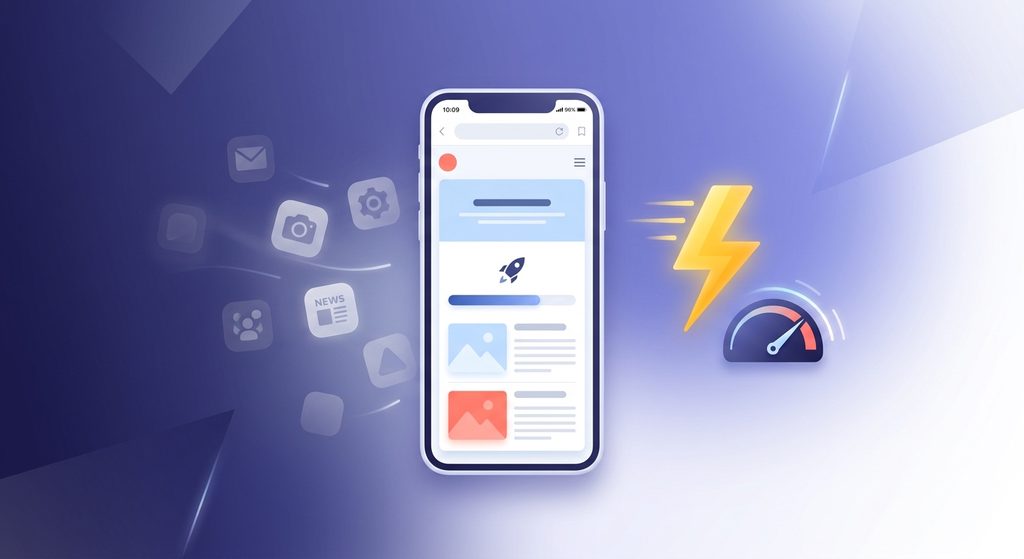
    A slow site quietly kills conversion before a shopper even reaches your product. Bloated app stacks are the usual culprit — every app you install adds scripts that load on every page, even if the app is only used on one. Audit your installed apps every quarter and remove anything that isn’t earning its keep. Run your store through PageSpeed Insights and prioritise fixing anything flagged on mobile specifically, since that’s where most of your traffic likely lives.
    5. Make the recommendations smarter

    Once the basics are solid, this is where AI earns its spot. Post-checkout upsells that recommend based on what’s actually in the cart (not a static “frequently bought together” rule) are one of the highest ROI, lowest-effort changes you can make. Same goes for onsite personalisation that adapts based on browsing behaviour rather than showing every visitor the same homepage.

    Related: Using AI to Drive Up Sales in Shopify

    The order I’d actually do this in

    1. Install a heatmap tool and figure out where the drop-off actually is (1 day)
    2. Fix trust signals and product page trust gaps (1 week)
    3. Audit and simplify checkout (1-2 weeks)
    4. Run a mobile speed audit and cut dead app weight (1 week)
    5. Layer in personalisation and smarter recommendations (ongoing)

    You don’t need to do all five simultaneously. Fix the leak closest to checkout first — that’s usually where the fastest, most measurable lift comes from — then work backwards up the funnel.

    If you’re not sure where your specific bottleneck is, that’s usually a five-minute conversation, not a big audit.

    Happy to take a look — iconjen.com.
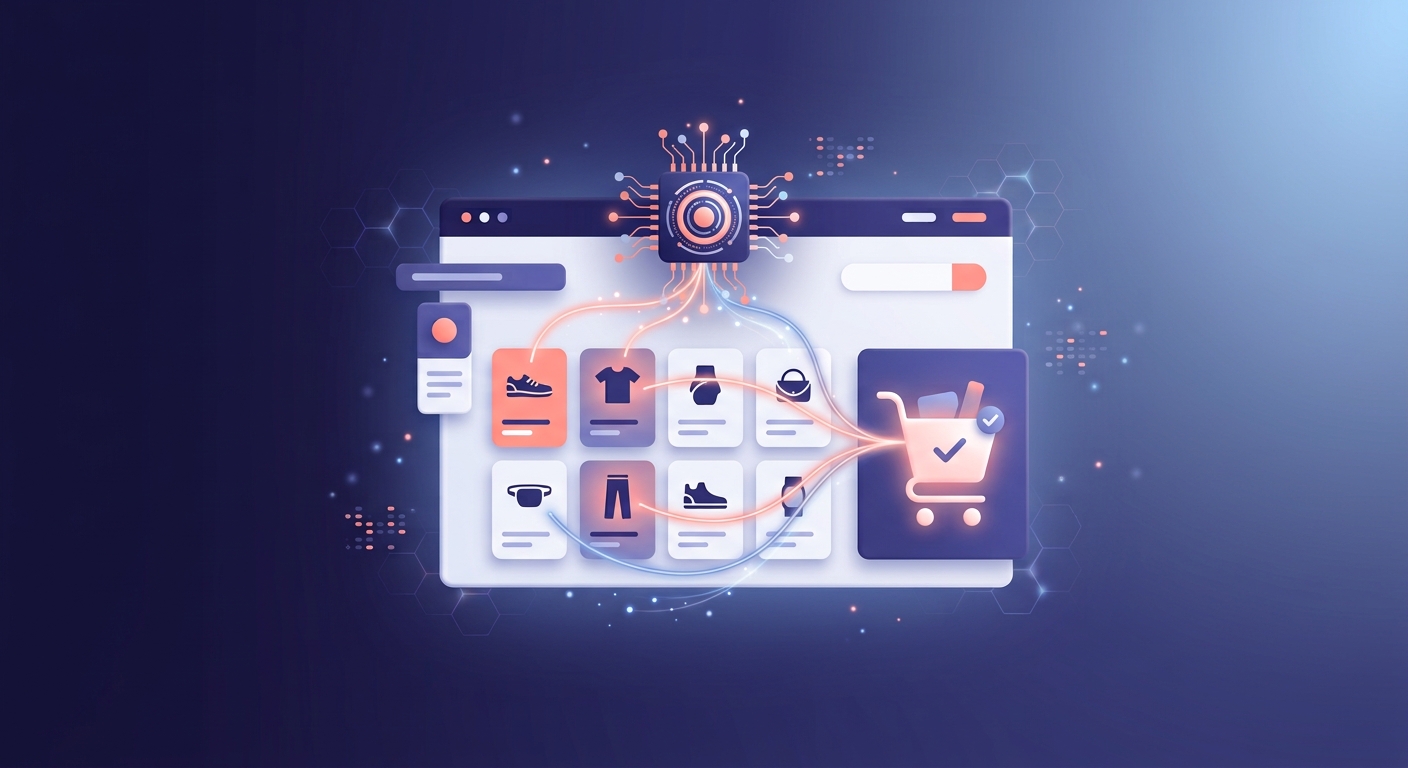
  • Using AI to Drive Up Sales in Shopify

    Using AI to Drive Up Sales in Shopify

    The quickest wins come from three places: AI-powered product recommendations and upsells, AI-driven email/SMS segmentation, and AI-assisted customer service. Done properly on a Shopify Plus store, most merchants see a measurable lift within 4-8 weeks of switching on even one of these — the trick is knowing which one fits your store, not trying to do all of it at once.

    I say this as someone who implements this stuff for a living, not just writes about it. Here’s where AI actually moves the needle on a Shopify store, in order of what I’d tackle first.

    1. Personalised product recommendations and upsells

    Generic “customers also bought” widgets barely move conversion anymore. AI-driven personalisation — where recommendations shift based on a shopper’s browsing behaviour, quiz answers, or purchase history — is a different story.

    • Onsite quizzes and personalisation (I use Octane AI for this): a quiz that asks 3-4 questions and routes shoppers to the right products can lift average order value noticeably, especially for stores with a wide or confusing catalogue.
    • AI-powered search and discovery: Shopify’s native Search & Discovery tools now use AI to understand intent behind vague searches (like “gift for mum” instead of an exact product name), which reduces the number of shoppers who search once, find nothing useful, and leave.
    • Post-checkout upsells: pairing Shopify’s native post-checkout upsell blocks with a bit of AI-driven logic (recommending based on what’s actually in the cart, not a static rule) is one of the highest ROI, lowest effort changes I make on client stores.
    Diagram showing a shopper's three parallel paths of questions, preferences, and product options converging into one recommended, highly rated jacket and shoe product

    2. AI-driven email and SMS marketing

    If you’re already using Klaviyo (most Shopify Plus stores are, in my experience), you’re sitting on AI features you’re probably not using yet:

    • Predicted customer lifetime value and churn risk: Klaviyo can flag which customers are likely to churn before they actually stop buying, so you can target a win-back flow at exactly the right moment instead of guessing.
    • Send-time optimisation: AI decides the best time to email each individual customer based on their own engagement history, rather than blasting your whole list at 9am.
    • Predictive segmentation: building segments based on predicted behaviour (likely to buy again in 30 days, likely to respond to a discount) rather than just past purchase history.

    This is genuinely one of the easier wins because the AI is often already sitting in tools you’re paying for — it just needs to be switched on and pointed at the right flows.

    Read more: Shopify Product Pages: Why Yours Aren’t Converting (And How to Fix Them)

    3. AI-assisted customer service

    Support tools like Gorgias now have AI that can draft (or fully handle) responses to common questions — order status, returns, sizing — freeing up a human for the conversations that actually need one. For a store doing real volume, this alone can be the difference between a support inbox that’s manageable and one that’s constantly on fire.


    Where to actually start

    If you’re not sure which of these applies to you, a rough rule of thumb:

    • High traffic, low conversion → start with personalisation and search (Octane AI, Search & Discovery)
    • Decent traffic, weak repeat purchase rate → start with Klaviyo’s predictive email features
    • Growing fast, support team drowning → start with AI-assisted support (Gorgias)

    You don’t need all three running at once — pick the one that matches your actual bottleneck, get it right, then move to the next.

    If you’re weighing up which of these would actually move the needle for your store, happy to talk it through — you can reach me at www.iconjen.com.

    Disclaimer: this post has been ran through AI for polishing.

  • Why Most Shopify Stores Don’t Convert (And It’s Not Your Ads)

    Why Most Shopify Stores Don’t Convert (And It’s Not Your Ads)

    Let’s get this out of the way early: if people are landing on your store but not buying, ads are rarely the real problem.

    Ads get blamed because they’re visible. You see the spend. You see the clicks. When sales don’t follow, it feels logical to point the finger there. But in most Shopify stores, ads are just the messenger. The real issues live on the store itself.

    And they’re usually boring, unsexy, and very fixable.

    Traffic Is Not the Same as Intent

    Not all clicks are equal. A lot of Shopify stores technically get “traffic,” but that traffic isn’t being guided anywhere.

    People land. They scroll a bit. They hesitate. Then they leave.

    Why? Because the store doesn’t answer three basic questions fast enough:
    What is this?
    Is this for me?
    Why should I trust it?

    If a visitor has to think too hard to figure those out, you’ve already lost them. Attention online is fragile. Confusion kills conversion.

    Related read: 5 Shopify SEO Fixes Every Store Should Implement Today

    Your Homepage Is Trying to Do Too Much

    Many Shopify homepages are trying to be everything at once. Brand story. Product catalog. Lifestyle magazine. Mission statement. Five popups fighting for attention.

    The result is noise.

    A good homepage doesn’t explain everything. It funnels people forward. It should clearly communicate what you sell, who it’s for, and what to do next. If the primary action isn’t obvious within the first few seconds, most visitors will bounce without ever seeing your products.

    Product Pages Aren’t Pulling Their Weight

    This is where conversions actually live, and it’s where most stores underperform.

    Common problems show up again and again:
    Product descriptions that describe features but not outcomes
    No social proof, or reviews buried too far down
    Weak imagery that doesn’t show the product in use
    CTAs that don’t stand out or feel urgent

    A product page isn’t a spec sheet. It’s a sales conversation. If it doesn’t reduce doubt and build confidence, it’s silently leaking revenue.

    A simple Shopify product page wireframe highlighting trust badges, CTA buttons, and pricing in a drawing pad like it's a blueprint. Pens, highlighters, and markers are on the table.
    Why Most Shopify Stores Don’t Convert (And It’s Not Your Ads)

    Trust Is Missing (Or Hard to Find)

    You might be legit. Your visitors don’t know that.

    Trust signals are often an afterthought on Shopify stores, but they matter more than people want to admit. Shipping clarity, returns policy, contact information, reviews, and even basic design polish all contribute to whether a store feels safe to buy from.

    When trust is missing, price sensitivity goes up. People hesitate longer. Cart abandonment increases. Not because the product is bad, but because uncertainty creeps in.

    Speed and Friction Are Quiet Conversion Killers

    Slow load times don’t just annoy people. They change behaviour.

    Every extra second a page takes to load increases drop-off. Every unnecessary step in the buying process adds friction. Excessive apps, bloated themes, and clunky checkout flows quietly sabotage otherwise good products.

    The painful part is that store owners often don’t notice these issues because they’re already used to them. First-time visitors are not.

    Ads Can’t Fix a Broken Funnel

    Here’s the uncomfortable truth:
    ads amplify whatever is already there.

    If your store converts well, ads scale it.
    If your store converts poorly, ads just burn money faster.

    That’s why increasing ad spend without fixing fundamentals feels like pushing harder on a door that’s locked. The solution isn’t louder traffic. It’s a smoother path from landing to checkout.

    Conversion Is About Clarity, Not Tricks

    High-converting Shopify stores aren’t magical. They’re clear.

    Clear messaging.
    Clear product positioning.
    Clear next steps.

    They remove doubt instead of adding distractions. They respect the visitor’s time and decision-making process.

    That’s the work that moves the needle. Not another ad campaign. Not another app. Not another “one weird trick.”

    Need a Shopify developer / specialist to fix your store’s conversion issues?

    Reach out and let’s see how we can improve your store.